I love music, but for all of my appreciation, I've never possessed the dedication to learn how to play an instrument. That makes me a less-than-ideal candidate to review an iPhone app based around music creation. But a large part of Musical DNA's ($4.99) appeal, according to the iTunes App Sore, is that even if you're a novice when it comes to music creation, you'll be able to jump in and create something interesting after only a short time.
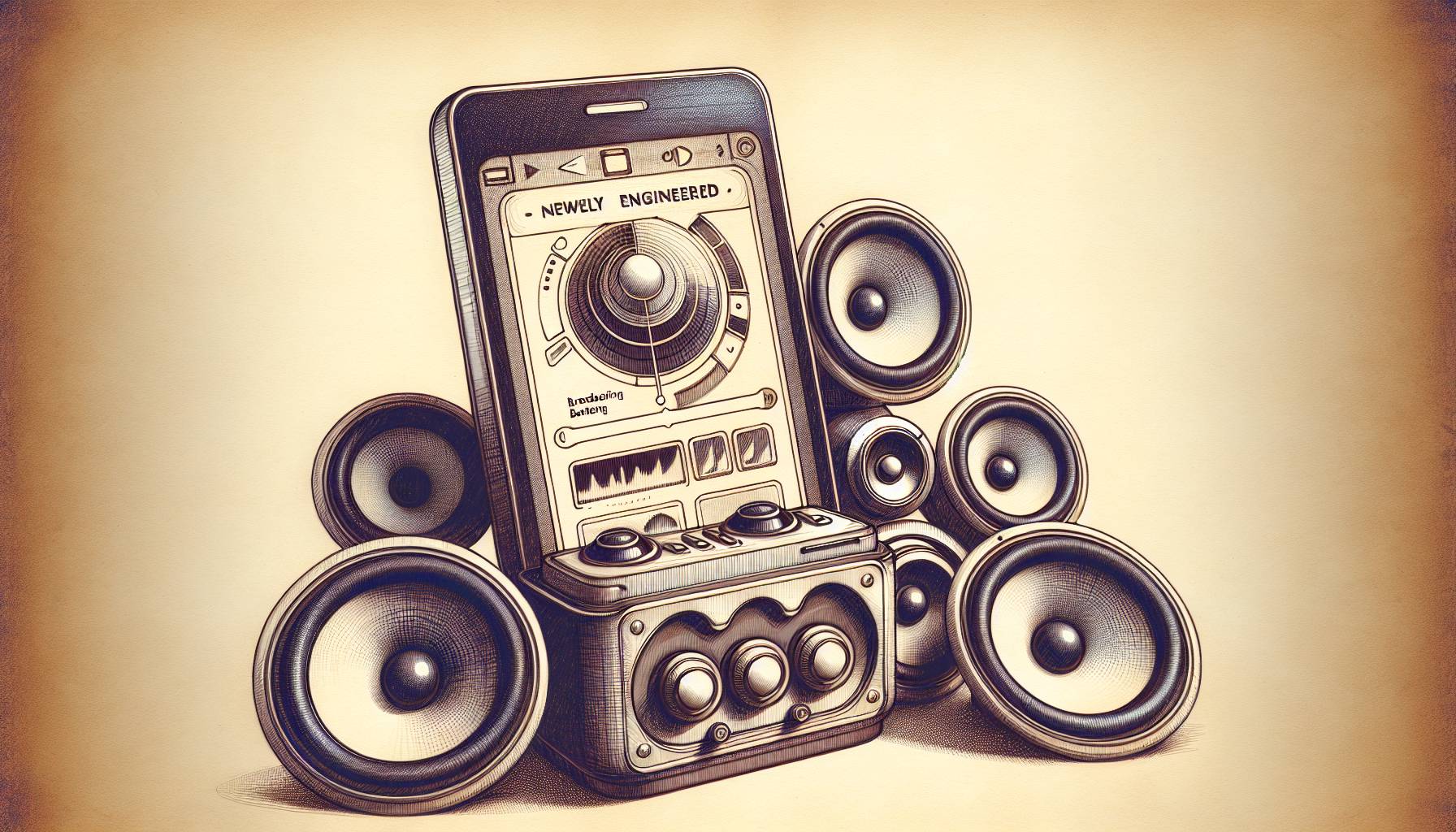
Despite my initial skepticism, Musical DNA actually lives up to that promise to a large extent. After a thorough walk-through, you'll at least understand how the app works. It's too detailed to go into completely here, but just know that musical notes circle the screen and you can play notes either by tapping them, dragging fingers from note to note, or even tapping multiple notes to play chords. As you play the notes and drag them across the screen, you create little geometric patterns, essentially turning your sound waves into shapes. It's a cool way to think about music for those not as familiar with classic scales.
Past that, there is a sort of sub-menu that lets you change instruments, and you're able to record using multiple instruments because the app allows for multi-tracking of sorts, letting you record a segment and then record over it until you're pleased with the results.
That doesn't mean, however, that Musical DNA is an adequate replacement for an editing program. You may be able to multi-track, but you can't move around any of your tracks. What you record "live" as it were, is what you get. This means that you're limited in scope to simpler recordings, but it's totally conceivable how someone with a solid knowledge of notes and arrangements could create very good sounding songs using Musical DNA.
For those of us without the music theory background, Musical DNA is still a lot of fun. It may be beyond me to create a "song" so soon after getting my hands on the app, but creating interesting-sounding note patterns seemed almost easy, and the discovery of chords that sounded good together felt very organic and enjoyable. Musical DNA more or less gives you tools to create, instructions on how to use them, and then steps back and lets you have fun.
What’s more, the ability to share recordings through the app could prove to be its biggest selling point. It remains to be seen how many people will latch onto the community, but with adequate support, you could conceivably construct a band out of Musical DNA players.
Praise aside, there are aspects of those instructions that I either didn't understand or that simply don't work very well right now. You're supposed to be able to "save" certain chords or note patterns for easy recall on the surface of the recording station by dragging the chord to a corner of the app, but I’ve been unsuccessful with it, and even layering recordings can be a chore if you don't read through the tutorial a few times.
That said, with a little patience, Musical DNA is a very fun iPhone app to play around with, regardless of whether or not you have a background in music. It manages to bring an entirely new spin on the typical music apps found in the iTunes App Store, and does so with its eye towards music geeks and novices alike.